
Document Combiner Online Free: Choose the Right Merge Workflow

Document Combiner or PDF Assembler? Pick the Workflow First
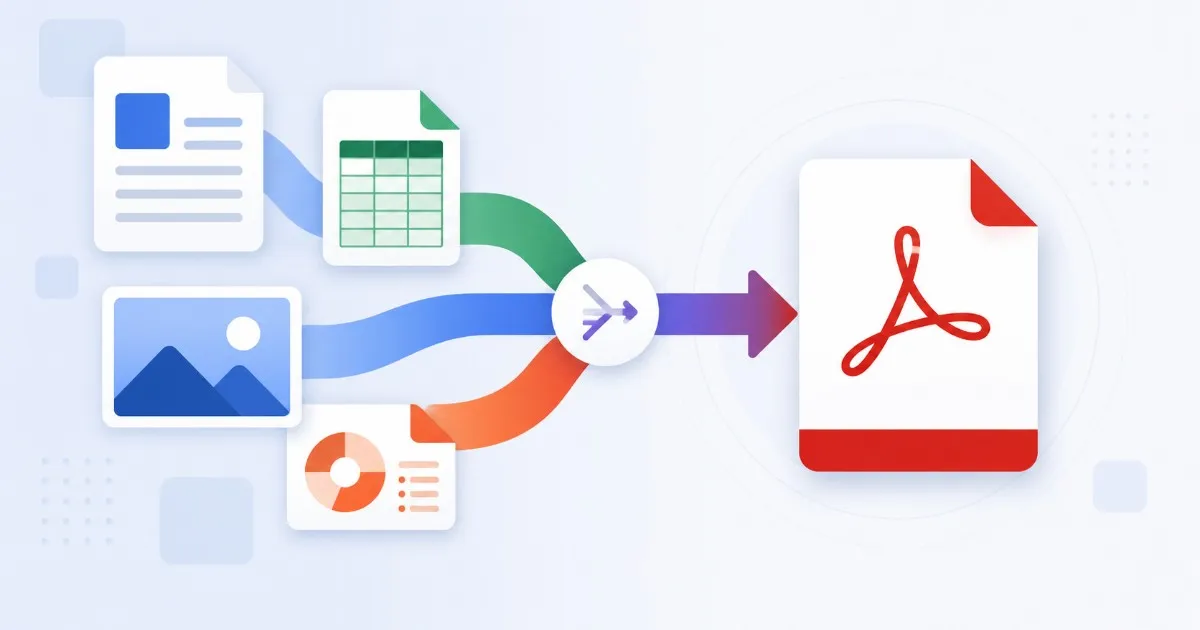
People often use document combiner and PDF merger to mean the same thing, but the workflow can be different. A PDF assembler joins files that are already PDFs. A broader combiner may require conversion first, especially when the folder includes Office files or images.
Скористайтеся цими інструментами зараз
Натисніть кнопку, щоб одразу відкрити потрібний інструмент.
Combiner vs. Assembler
- PDF assembler: best when every file is already a PDF and only order matters.
- Image-to-PDF workflow: best when photos or scans need to become pages first.
- Office-to-PDF workflow: best when Word, Excel, or PowerPoint files need conversion before merging.
- Final packet workflow: best when all converted outputs need to become one PDF.
When to Use Each Approach
If the folder contains only PDFs, start with the merge tool. If it contains Office files, convert those first so layout issues are caught before the final packet. If it contains images, decide whether the images form their own section or belong between existing PDF pages.
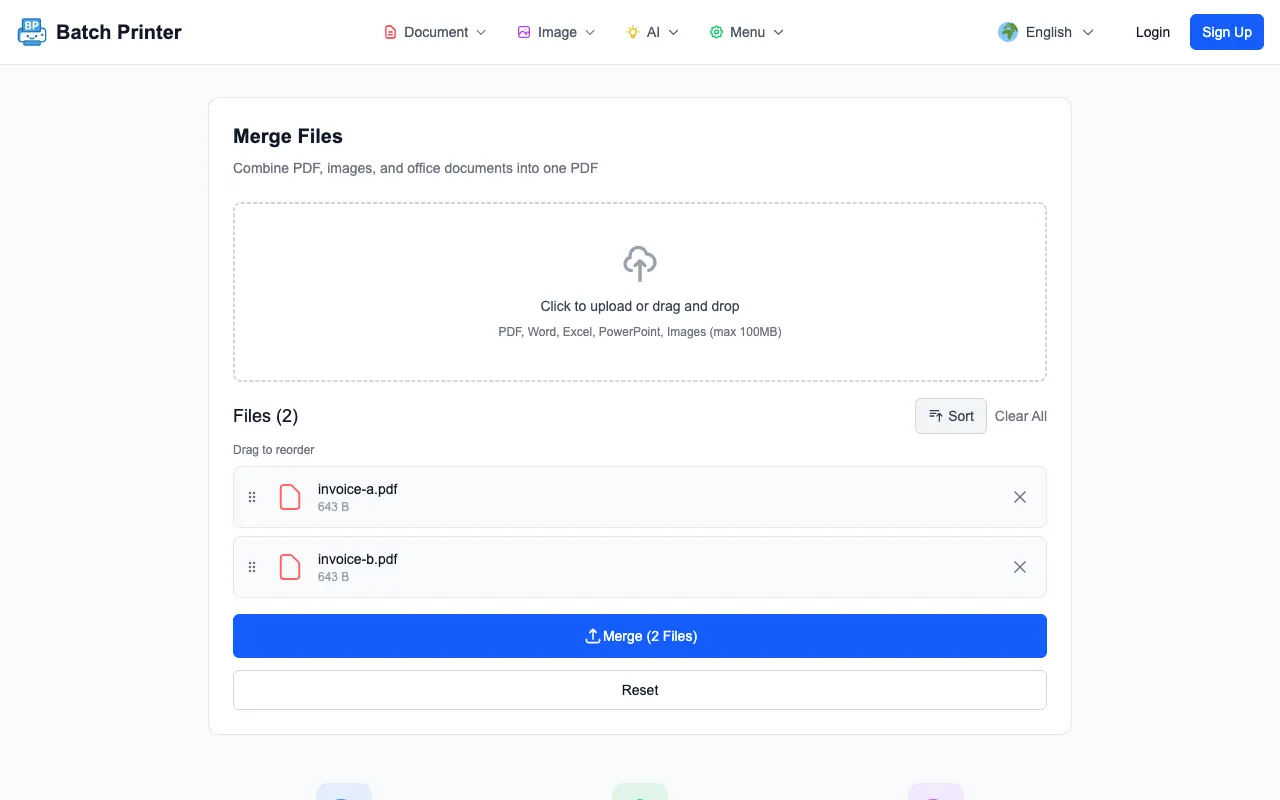
To confirm the checkpoint behavior, I dropped a one-page cover letter and a one-page pricing sheet into the merge queue. Both file names appeared as separate cards before anything was processed - which is exactly the moment an assembler workflow needs: the order is still editable, and nothing has been combined yet.
Workflow for a Clean Combined PDF
- Remove drafts, duplicate exports, and files the recipient should not see.
- Convert Office files to PDF before the final merge.
- Convert image sets to PDF sections when they belong together.
- Add the final PDFs to the merge queue.
- Arrange the visible queue in reader order.
- Merge, download, and review the output before sending.
Output Verification Beats Guesswork
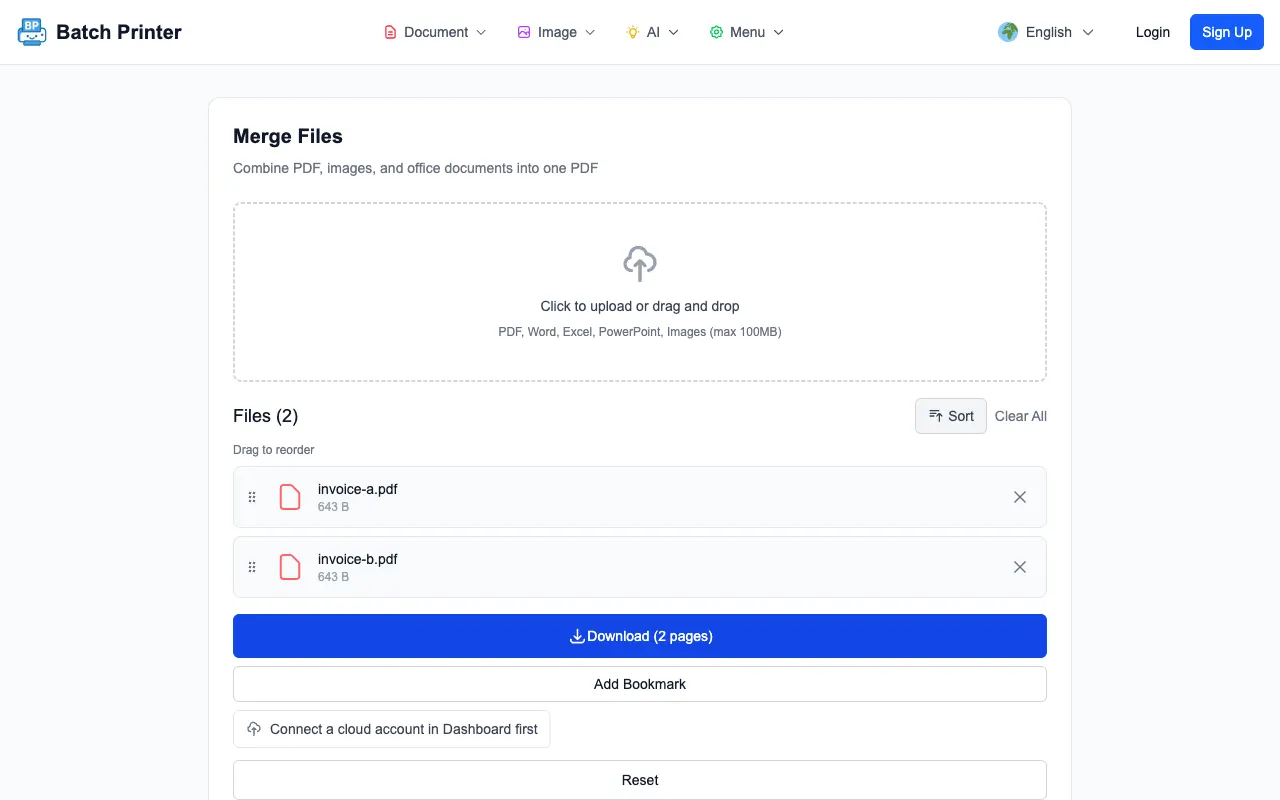
In the tested run, the tool showed a two-page output after merging two single-page sample PDFs. That visible page count is a useful sanity check, but it is not the whole review. Open the file and confirm section order, page orientation, blank pages, and whether any converted document looks clipped.
Comparison Table for Common Document Sets
- Only PDFs: use the merge tool and focus on order.
- PDFs plus images: convert or merge images as pages, then assemble the full packet.
- Office files plus PDFs: convert Office files first, inspect them, then merge.
- Files with different privacy levels: split the workflow and send only the finished public packet.
- Files needing different print settings: keep separate outputs instead of forcing one PDF.
Best-Fit Verdict
Use a PDF assembler when every file is already final. Use a broader document-combiner workflow when the folder still contains raw images or editable Office files. The extra conversion step is not wasted time. It gives you one chance to catch layout problems before the final PDF becomes the file everyone sees.
Скористайтеся цими інструментами зараз
Натисніть кнопку, щоб одразу відкрити потрібний інструмент.