
A Visible AI Overlay Can Distract Clients

A Visible AI Overlay Can Distract Clients
The credibility cost of a visible overlay is subtle, which is what makes it expensive. A client who spots a AI-style mark on a deliverable rarely says anything - the conversation simply shifts, in their head, from the substance of the work to the process behind the image. Was this rushed? Was anything else skipped? Those questions are unfair, and they are also completely predictable.
Скористайтеся цими інструментами зараз
Натисніть кнопку, щоб одразу відкрити потрібний інструмент.
That does not mean every client will object, and it does not mean every marked image damages a business. It means a final client deliverable should not carry accidental draft signals. As a business owner, I treat visible AI marks the same way I treat placeholders, crop handles, old comments, and file names that still say draft.
The Credibility Problem I Actually See
The problem is not AI use by itself. The problem is a mismatch between the expected finish of the document and the visible clue that an image was moved too quickly into final form. In a pitch deck, proposal, report, or website hero, a small mark can become the thing people ask about first.
- Client-facing proposals where the first slide sets the tone.
- Investor or partner decks where every detail is reviewed under pressure.
- Marketing pages where the image is part of the brand promise.
- Sales one-pagers where the visual is reused across many conversations.
- Public blog or help content where screenshots and illustrations should look intentional.
What the Mark Looked Like in Test Files
Sample images with these marks show two patterns every reviewer should know. In one thumbnail, the mark appeared as a compact bottom-right badge with a small sparkle-like symbol. In a crop, the visible mark was a pale four-point sparkle inside the image area rather than perfectly on the edge. That variation matters because a reviewer cannot only check one corner once.
The right habit is to inspect the full image, then inspect the placement where a mark would be expected after the image has been cropped or resized. If the image has been reframed for a slide or social card, the mark may no longer sit where the original generator placed it.
What the Cleanup Engine Actually Does
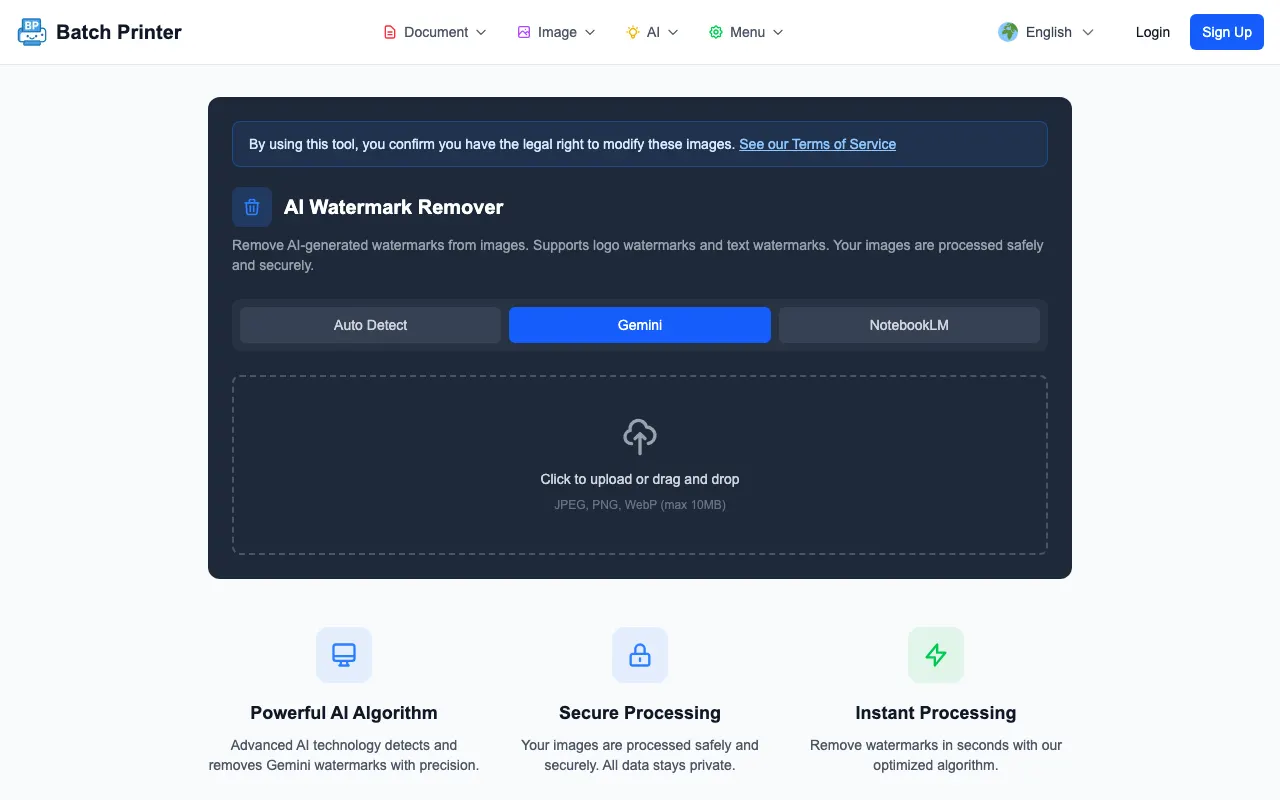
Cleanup is worth demystifying because it sets expectations for review. Given sample images with AI-style marks, the Batch Printer engine loads the file, detects a candidate mark area, removes the visible mark region, and returns a cleaned PNG. The changed pixels stay localized around the detected mark - so your review pass should focus there, comparing that region against the original at full zoom.
I also saw a limitation that belongs in this article. One fixture expected to have no overlay was still processed by the engine. That means the tool output must be reviewed, not blindly trusted. If the cleaned area looks unnatural or touches the wrong visual detail, the correct business decision is to reject that output.
When the Mark Is Fine to Leave Alone
Not every file deserves cleanup. Internal brainstorms, mood boards, personal notes, and explicit drafts can keep visible marks if everyone understands they are not final. Removing marks from every draft can create unnecessary process noise.
The threshold changes when an asset leaves the working team. Once the image appears in a client deck, landing page, report, or paid campaign draft, I want the visible surface to look intentional. If a mark remains, it should be because the team deliberately chose to leave it, not because nobody noticed.
A Client-Ready AI Image Workflow
- Generate or receive the image and keep it in a source folder.
- Check for visible marks, strange text, distorted objects, and crop problems.
- If the mark is the only visible issue, test cleanup in Batch Printer.
- Compare the cleaned image against the original at final display size.
- Ask one reviewer to inspect only the edited area.
- Move the approved output into the final asset folder and keep the original separate.
FAQ for Client-Facing Work
Does removing a visible mark make the image automatically client-ready? No. It only removes one visible distraction. The image still needs normal quality review.
Should I discuss permission questions here? No. This post only covers the visual review workflow for files your team has already decided to edit.
What if the cleaned area looks worse than the overlay? Do not use it as final. Regenerate the image, crop differently, or edit manually with a person reviewing the result.
Скористайтеся цими інструментами зараз
Натисніть кнопку, щоб одразу відкрити потрібний інструмент.