
What Actually Changes When You Remove a Visible AI Overlay


What Actually Changes When You Remove a Visible AI Overlay
The previous version of this post made engagement and perception claims that were not tied to verified sources. I removed them. The business impact I can describe honestly is narrower and more useful: when a visible AI-style mark is cleaned well, the image stops drawing attention to the tool that made it and becomes easier to review as part of the actual deliverable.
Используйте эти инструменты сейчас
Нажмите кнопку, чтобы сразу открыть нужный инструмент.
That is not the same as promising better reach, more trust, or automatic credibility. It simply means the finished image has one fewer visible distraction. For business work, fewer distractions can make the review conversation cleaner: people can focus on whether the visual supports the message.
The First Change Is Visual Focus
On the sample images examined for this piece, the visible mark was small but recognizable. On one thumbnail it looked like a compact badge near the bottom-right corner. On a square crop it looked like a pale four-point sparkle over the image. Once you notice it, your eye keeps returning to that spot - and so does your client's.
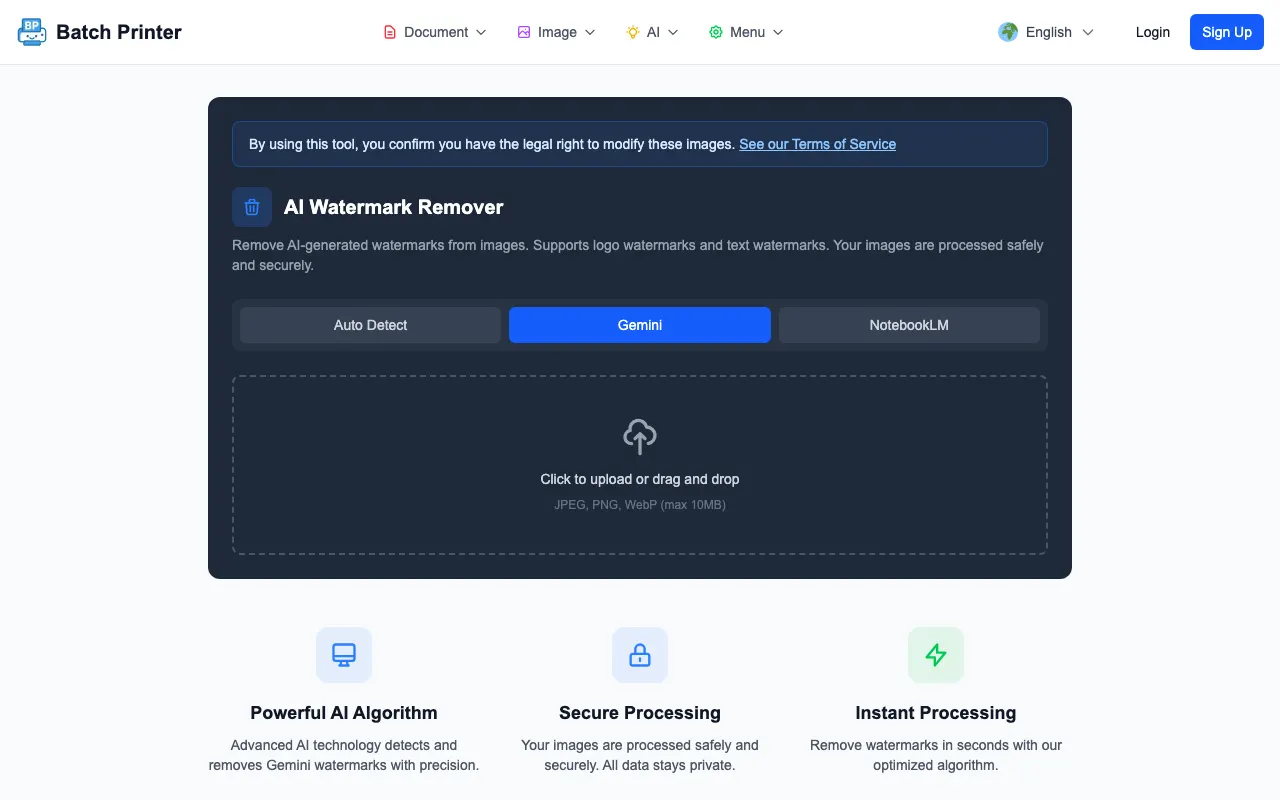
After the Batch Printer engine processed the marked fixtures, the output no longer had the same visible marker in the detected region. That changed the way I reviewed the image. Instead of asking whether the audience would notice the mark, I could inspect whether the fill area looked natural enough for the asset.
The Second Change Is Review Responsibility
Overlay removal does not remove the need for judgment. It creates a new before-and-after review task. The person approving the asset should compare the original and cleaned version, zoom into the edited region, and decide whether the result is less distracting than the mark.
- Is the old mark gone or reduced enough to stop drawing attention?
- Does the filled area match the surrounding texture, color, and edge direction?
- Did the tool touch a region that was not actually a overlay?
- Does the image still need resizing, compression, or manual editing before final use?
- Should the original be kept for audit or rollback inside the team workflow?
What the Tool Did in My Test
The removal behavior itself is narrow by design. Given two sample images with visible marks, the AI removal engine located a candidate mark region in each, returned success, and encoded a cleaned PNG - reporting which solver path handled the job (V24 in these runs). The pixel changes concentrated around the detected overlay area, which is what you want: cleanup, not reinvention.
The test also showed why the tool should not be described as a perfect selector. A no-overlay fixture was still processed in my harness. That does not make the workflow unusable. It means the output must be inspected, especially when the original image has high-contrast shapes near expected overlay positions.
Where Business Impact Is Realistic
The realistic impact is strongest in assets where one image carries a lot of attention: a deck cover, a proposal visual, a campaign preview, a blog hero, or a product mockup. In those cases, a visible tool mark can pull the conversation away from the message. A clean, reviewed output helps keep the image in a supporting role.
The impact is weaker when the asset is internal, temporary, or explicitly labeled as draft work. For brainstorming, a visible mark may not matter at all. Spending time cleaning every draft can waste more attention than it saves.
What Does Not Change
- It does not turn a weak image into a strong brand asset.
- It does not verify whether the image is factually accurate.
- It does not inspect invisible metadata or provenance signals.
- It does not decide whether the image belongs in a final customer-facing asset.
- It does not replace a human visual review.
A Practical Business Decision Rule
My decision rule is simple. If the overlay is visible in a final asset and the surrounding area is simple enough for a clean fill, test removal and compare the result. If the overlay crosses important detail, regenerate or redesign instead. If the image is only a draft, do not spend operational time polishing it.
FAQ on Business Impact
Will removing the mark improve performance metrics? I am not making that claim. This article only describes observed workflow and review effects.
Does the cleaned image hide that AI was involved? This guide is about visible image cleanup, not disclosure policy. Keep whatever internal documentation your workflow requires.
What should I do after removal? Open the output at final display size and inspect the edited region before replacing the original in a document or campaign folder.
Используйте эти инструменты сейчас
Нажмите кнопку, чтобы сразу открыть нужный инструмент.