
Batch PDF Operations for Healthcare Front Offices: Fewer Handoffs, Cleaner Packets

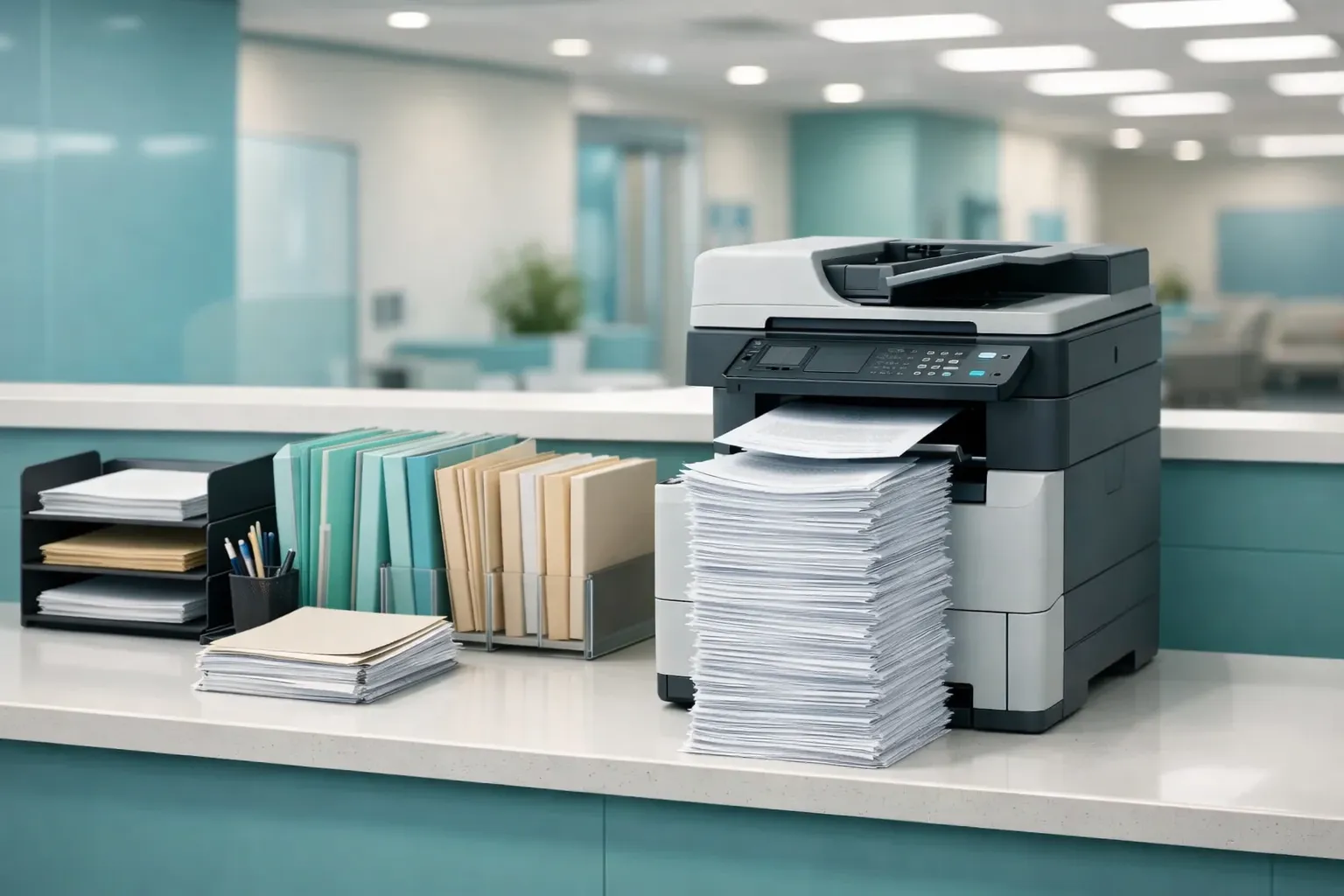
The Healthcare Document Pile Is a Workflow Problem, Not a Software Problem
Ask anyone who has worked a healthcare front desk what slows the day down and the answer is rarely one difficult document - it is the constant assembly of ordinary ones. Staff need to prepare several multi-page documents as one readable packet, repeatedly, under time pressure, while avoiding any unnecessary file handling along the way. That assembly step is exactly where a batch PDF routine earns its place.
Используйте эти инструменты сейчас
Нажмите кнопку, чтобы сразу открыть нужный инструмент.
Healthcare offices often work with forms that arrive from different systems: intake paperwork, consent forms, discharge instructions, referral notes, scanned IDs, and internal checklists. Even when each file is ordinary, the combined workflow can become fragile. A staff member may download files, rename them, open them one by one, print them separately, and then manually sort the stack.
The Challenge: Many Small Documents Become One Operational Bottleneck
The bottleneck is not that one PDF is hard to print. The bottleneck is repetition. Every separate file creates another chance to miss a page, print out of order, attach the wrong draft, or forget which form was already processed. In a document-heavy environment, the safest workflow is usually the one with fewer handoffs and a clearer final packet.
- A cover instruction sheet for the staff member preparing the packet.
- A signed form or consent document exported as PDF.
- A scanned supporting page that must stay with the main packet.
- A final review step before printing, archiving, or sharing through an approved internal system.
- A clear file name so the packet is not confused with earlier drafts.
Workflow Design: Queue, Order, Merge, Verify
To pressure-test the routine, three representative documents - a cover instruction sheet, a consent-style form, and a scanned supporting page - went through the Batch Printer merge tool as one packet-building task. The question was narrow and practical: does a browser-side batch operation actually reduce the number of manual steps a staff member repeats, or does it just move them around?
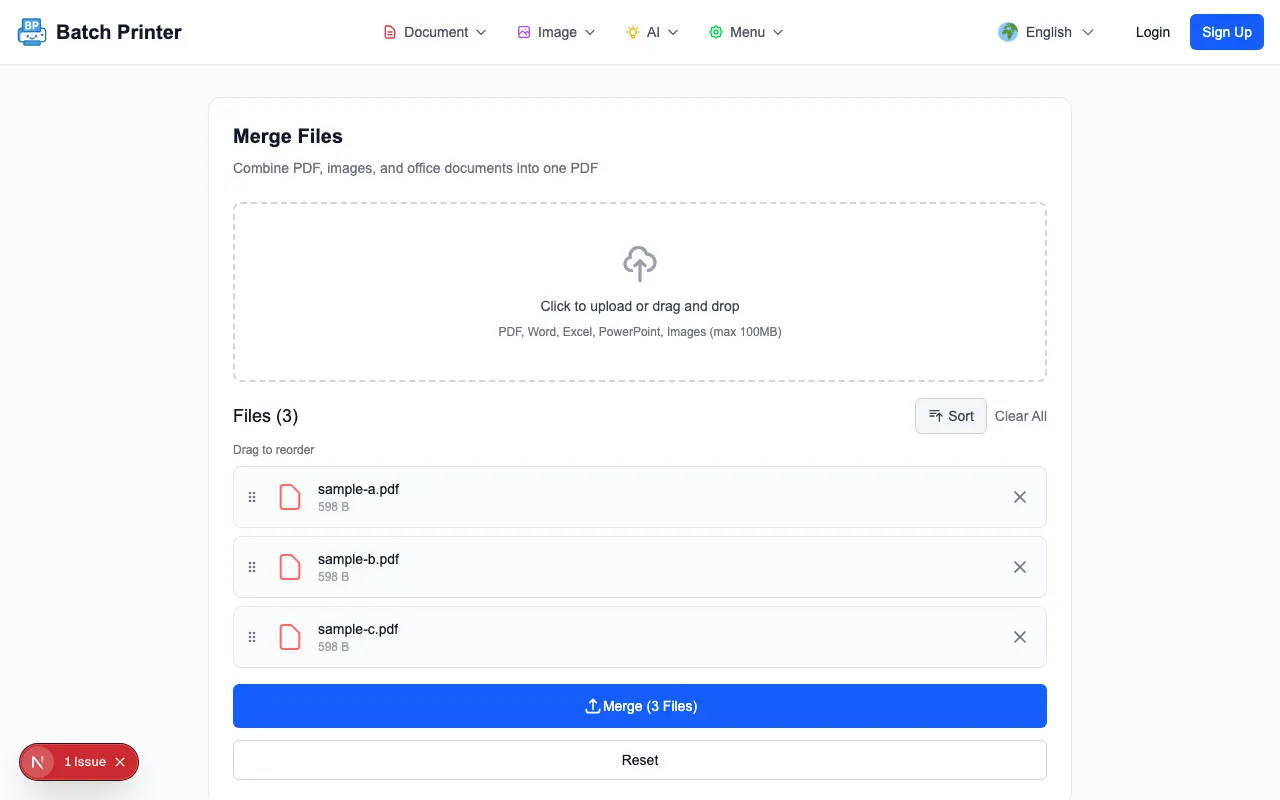
- Collect only the files that belong in the packet and keep unrelated drafts out of the working folder.
- Load the approved PDFs into the merge queue and confirm that every expected file appears.
- Arrange the queue in the order a reviewer or recipient should read the packet.
- Merge the queue into a single PDF output.
- Open the output and check the first page, transitions between documents, and final page before using it.
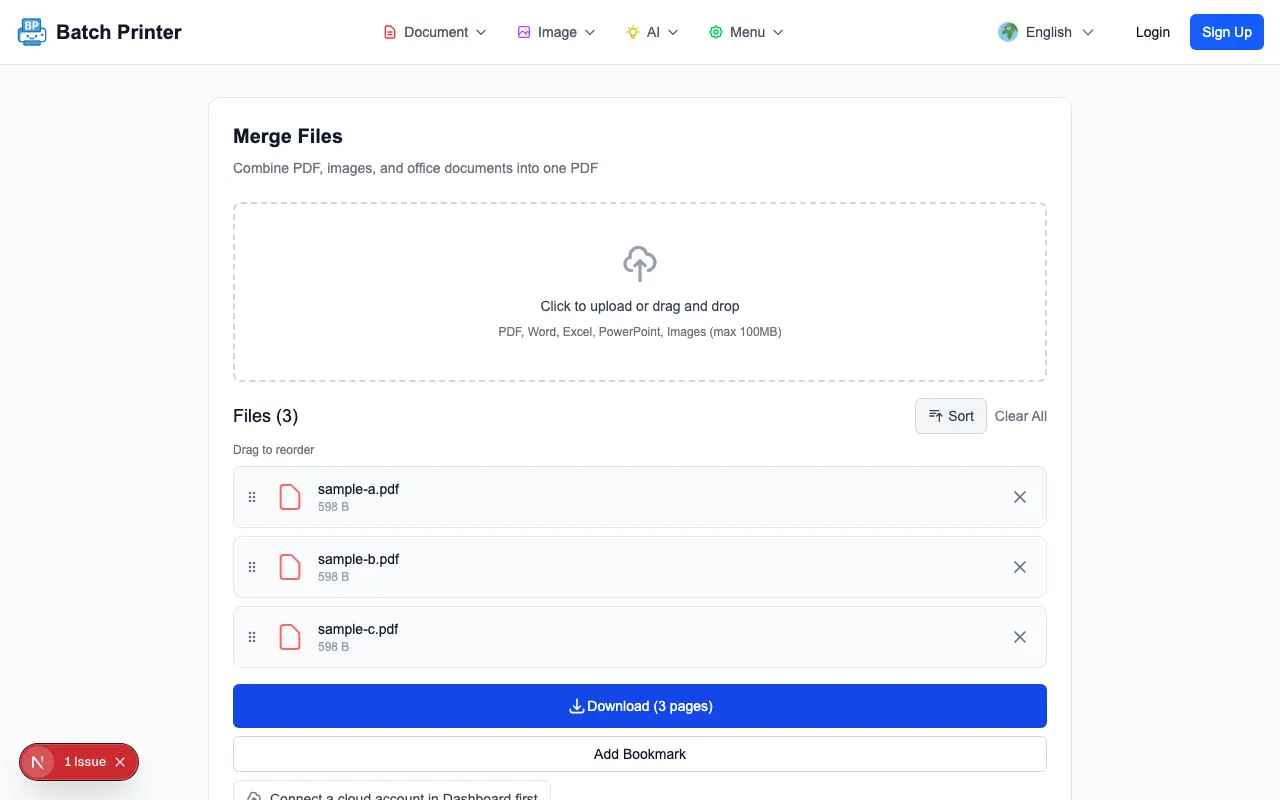
What Testing Showed With Representative Files
The strongest result from the test was clarity. Once three files were visible in the queue, the workflow shifted from remembering separate attachments to managing one ordered list. That made it easier to reason about what the final output should contain. The completed state also gave a natural checkpoint: download the combined PDF, open it, and inspect the order before any downstream step.
The test also showed where the tool should not be overpromised. Browser-side merging does not validate medical accuracy, decide whether a form belongs to a person, remove sensitive data, or replace policy controls. It simply helps with the mechanical task of assembling approved files into one readable PDF.
Privacy and Security Considerations for Healthcare Environments
The relevant privacy feature is local browser-side processing for this PDF workflow. In plain terms, the merge operation can be completed in the browser rather than requiring a PDF upload to a document processing server. That is useful for reducing unnecessary transfer, but it is not the same as a compliance guarantee. Each organization still needs to follow its own device, browser, access-control, retention, and approval policies.
- Trial a new workflow with non-sensitive samples before touching real records.
- Do not process documents on shared or unmanaged devices without internal approval.
- Close the browser tab and remove temporary downloads after the packet is saved where it belongs.
- Keep a review step for identity, document membership, and page order.
- Document where merged outputs should be stored so local downloads do not become shadow archives.
Takeaways for Document-Heavy Teams
The lesson is modest but practical: batch PDF operations help when the same staff member would otherwise repeat file opening, ordering, and printing steps by hand. They are especially helpful when the desired output is a single packet that should be read from beginning to end.
The approach is weaker when the documents need separate approvals, when each file must be uploaded into a different destination field, or when the browser device is not trusted for the work. In those cases, keep the files separate and use the approved organizational process. Batch operations are best treated as a workflow simplifier, not as a replacement for governance.
Используйте эти инструменты сейчас
Нажмите кнопку, чтобы сразу открыть нужный инструмент.