
From Slide Deck to Client-Ready PDF: A Handoff Workflow for Marketing Teams

The Deck That Kept Changing After It Was Approved
Consider a 15-person marketing team in the final week before a client presentation. The deck lives in PowerPoint because that is where collaboration happens: designers adjust visuals, account managers rewrite claims, leadership comments on structure. Then the deck is approved - and the very flexibility that made collaboration easy becomes the risk. Any copy that leaves the building can still be edited, reflowed by missing fonts, or quietly superseded by an older version someone forwards from their downloads folder.
Используйте эти инструменты сейчас
Нажмите кнопку, чтобы сразу открыть нужный инструмент.
The fix is not more discipline about attachments. It is a format boundary: PowerPoint stays the internal working format, and PDF becomes the only format that crosses the company line. This walkthrough shows where the conversion fits, what to check before and after, and where the boundary breaks down.
The Challenge: Editable Decks Are Good for Collaboration, Weak for Handoff
PowerPoint is useful while a deck is still changing. Designers can adjust visuals, account managers can rewrite claims, and leadership can comment on structure. The same flexibility becomes less helpful after approval. A recipient may not have the same fonts, may open the file in a different app, or may accidentally change the deck before forwarding it.
- Keeping the editable PowerPoint file for internal revisions.
- Sending clients a stable review copy that opens consistently.
- Reducing accidental edits after the deck has been approved.
- Creating one archive copy of the final deck for the project folder.
- Making the review file easier to open for people who do not use PowerPoint.
The goal is not to replace presentation software. The goal is to separate the editing format from the distribution format so the team knows which file is the working draft and which file is the client-ready copy.
Workflow Design: Finalize, Convert, Download, Review
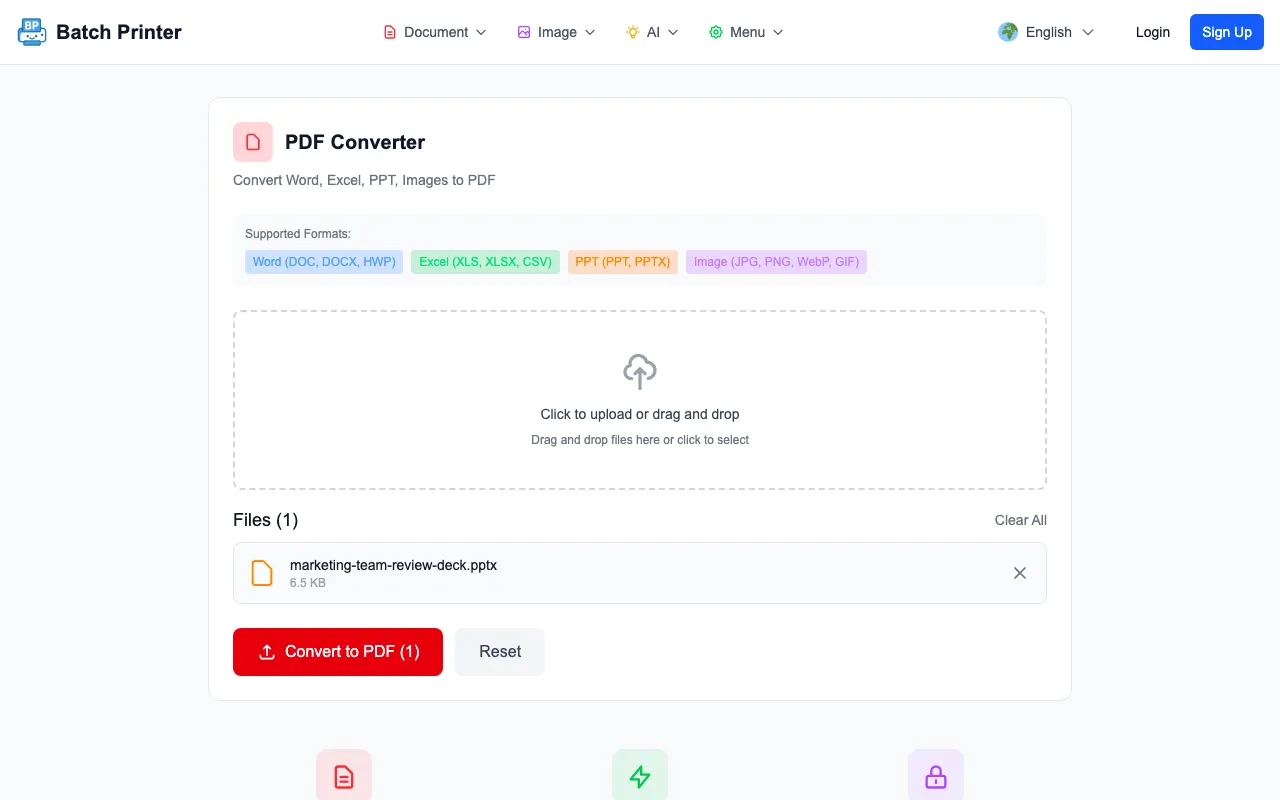
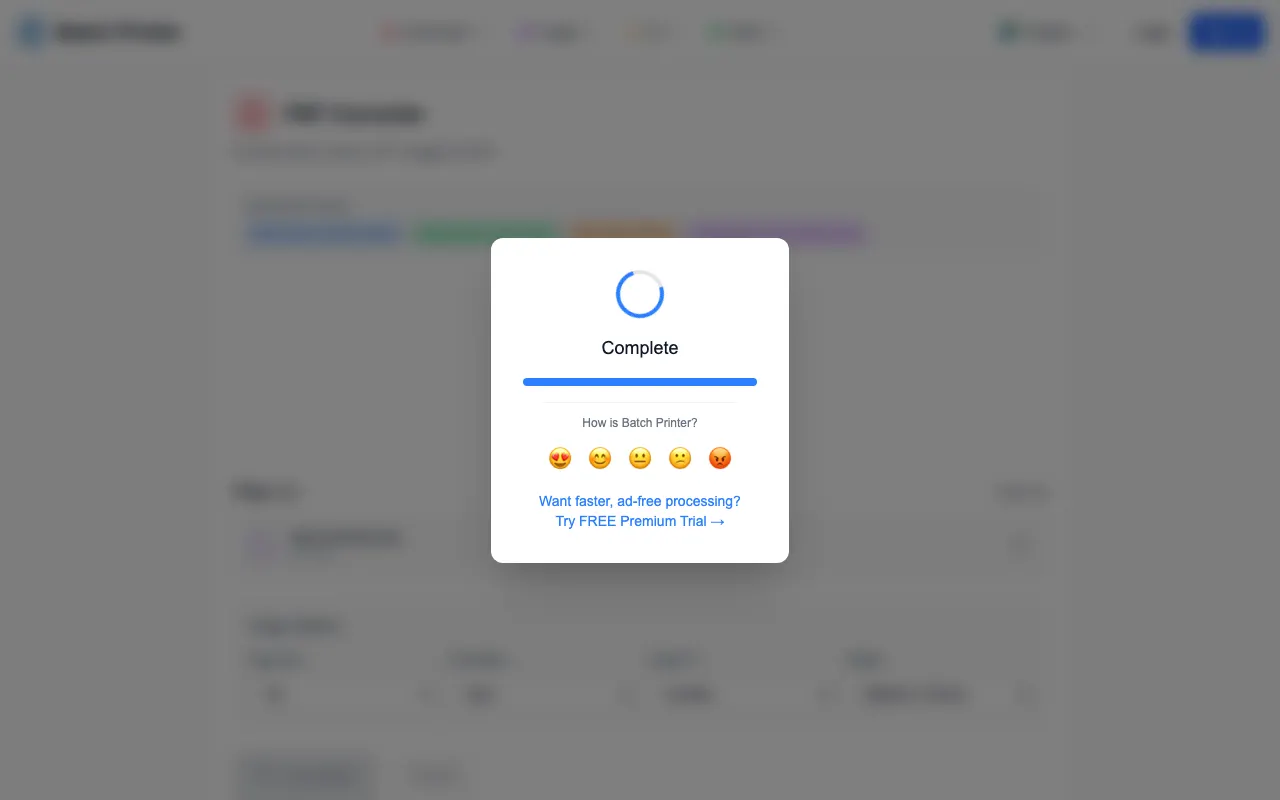
Two practical notes from walking a sample deck through the PDF converter. First, the upload queue accepts a PowerPoint file immediately - the deck appears with its name visible before any conversion starts. Second, the Office conversion step itself requires a signed-in session, because slide rendering runs on a server-side layout engine rather than in the browser. Plan the account step into the workflow rather than discovering it at handoff time.
- Finish edits in PowerPoint and mark the working file as the internal source deck.
- Save a clean copy with a clear version name before converting.
- Upload the approved deck to the Batch Printer PDF converter.
- Use an approved signed-in workflow for Office conversion when the deck is allowed to use the server-side route.
- Open the PDF and review slide order, visible text, image placement, and page count.
- Share the PDF as the distribution copy while keeping the PowerPoint file for future edits.
Why the Format Boundary Holds Up
The payoff of the routine is a clearer handoff model. The PowerPoint file remains the editable source, while the PDF output becomes the file to inspect and share. That distinction matters because business teams lose real time when recipients ask which attachment is final, or when an older editable deck keeps circulating three weeks after approval.
The review step still matters. A PDF conversion should be opened before it is sent. The team should check that the slide order is correct, text is readable, important visuals are visible, and any speaker notes or hidden material are handled according to the team policy.
One boundary worth stating plainly: the converter changes the file format and nothing else. Brand strategy, legal approval, accuracy, accessibility, and client readiness all remain the team's responsibility - the PDF just guarantees everyone is judging the same pixels.
Privacy, Approval, and Compliance Boundaries
PDF conversion is a format decision, not a security or compliance control. A PDF is harder to edit casually, but it is not tamper-proof, and converting a deck does not authorize it to carry regulated data. If a presentation contains confidential, regulated, client, patient, student, or employee information, the organization's approved tools and handling rules decide the route - this workflow slots in only where those rules allow it.
- Try the converter with a non-confidential deck before routing real client work through it.
- Keep confidential decks inside approved systems unless server-side conversion is allowed.
- Name files clearly so the editable source and PDF distribution copy are not confused.
- Review the converted PDF before sending it externally.
- Keep final files in the project folder instead of scattering downloads across devices.
Takeaways for Small Teams Sharing Client Decks
The practical lesson is simple: keep PowerPoint for collaboration and use PDF for the stable handoff when a deck no longer needs recipient-side editing. That reduces ambiguity around which file is final and gives the sender a review checkpoint before the client sees the material.
The approach is weaker when the recipient needs to edit the deck, when the file contains media that must stay interactive, or when the organization does not allow server-side conversion for the material. In those cases, keep the presentation in the approved collaboration tool and export through the internal workflow.
Используйте эти инструменты сейчас
Нажмите кнопку, чтобы сразу открыть нужный инструмент.