
AI Overlay Mistakes Are Usually Review Failures, Not Scandals


AI Overlay Mistakes Are Usually Review Failures, Not Scandals
Running a company that ships client-facing visuals teaches you an unglamorous truth: visible AI overlays do not survive because people are careless. They survive because no single person owns the moment an image moves from draft to final. In the work I see, that missing checkpoint - not the AI tool itself - is where the marks slip through.
A visible AI-style mark is small enough to miss on a laptop screen and obvious the moment the image lands in a slide or gets previewed at a different size. On the sample images reviewed for this piece, one mark was a small badge near the bottom-right edge; another was a pale four-point sparkle inside the image area. Both are easy to overlook when the team is focused on the message instead of the corner pixels.
Start With a Review Gate, Not a Blame Story
The practical business risk is not that every marked image becomes a crisis. The risk is that a final deliverable carries visible draft residue. A overlay, a garbled label, a forgotten placeholder, or an old file name all send the same signal: nobody gave the final artifact one last careful pass.
- All four corners at normal size and zoomed-in size.
- Any small badge, sparkle, label, or logo overlay sitting on top of the image.
- Text inside the image, especially tiny labels that can become obvious when projected.
- Whether the image still makes sense after resizing or compression.
What I Observed in Batch Printer Testing
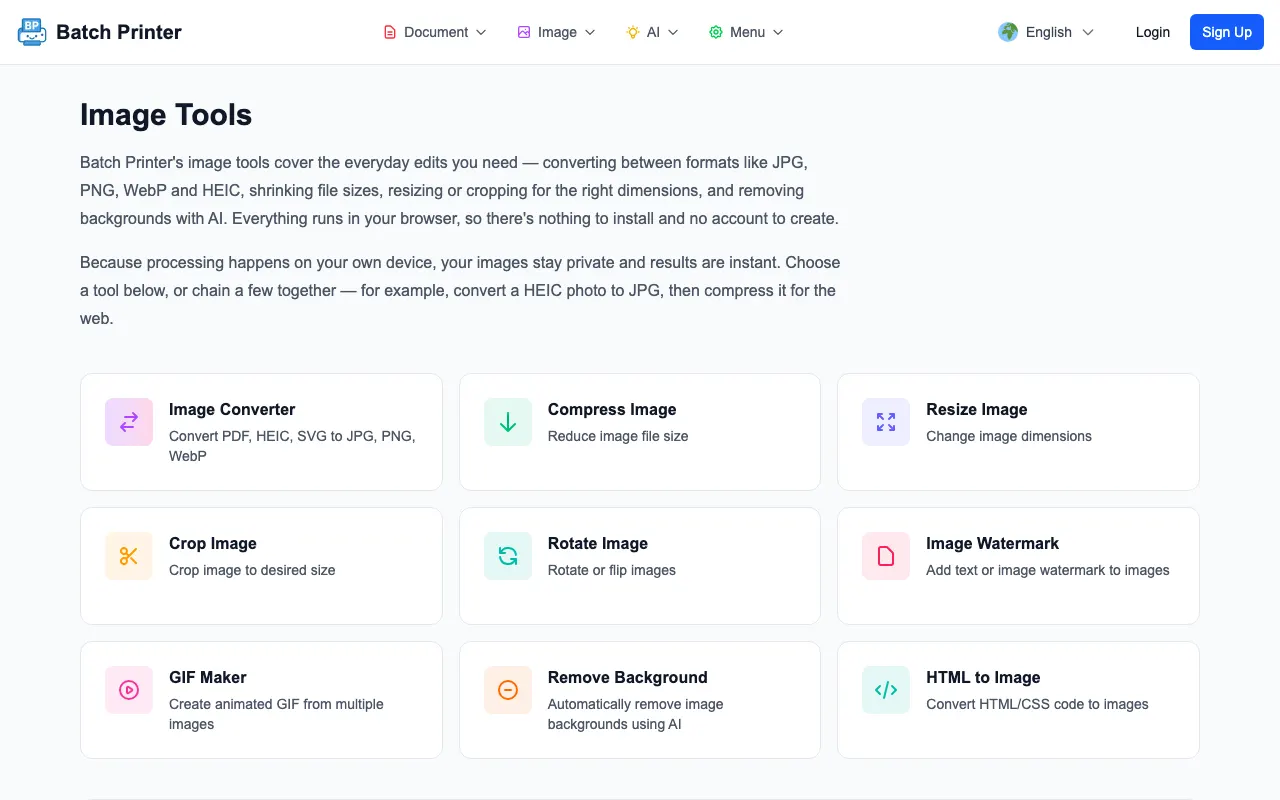
The cleanup behavior is worth understanding before you rely on it. Given a sample image with a AI-style mark, the Batch Printer engine detects a candidate mark region, repairs just that area, and renders a cleaned PNG - the run reports its solver path (V24 in these runs) so you can tell which strategy handled the image. The visible change stays localized to the detected overlay area rather than rewriting the whole picture.
The important limitation is also worth stating plainly. A clean output still needs human review. In one no-overlay fixture, the engine still selected a candidate region and produced an output. That means the workflow should never be treated as a blind autopilot. The useful sequence is upload, process, compare, inspect the corner area, then approve the file for use.
Where Overlays Tend to Hide in Business Assets
The easiest place to miss a overlay is a working canvas where the image is not shown at final size. A small mark can disappear in a thumbnail, then become visible in a full-screen pitch deck. It can also sit on a low-contrast corner where nobody looks until a reader points it out.
- Cover slides, proposal headers, and sales one-pagers where one image carries the first impression.
- Social cards and email banners where the image is cropped differently by each channel.
- Product mockups where the corner of the image is placed against a light background.
- Report illustrations that will be exported to PDF and reviewed away from the original design tool.
A Safer Preflight for AI Images
- Keep the original generated image separate from the edited output.
- Open the image at the size the audience will actually see.
- Check for visible overlays before checking style details.
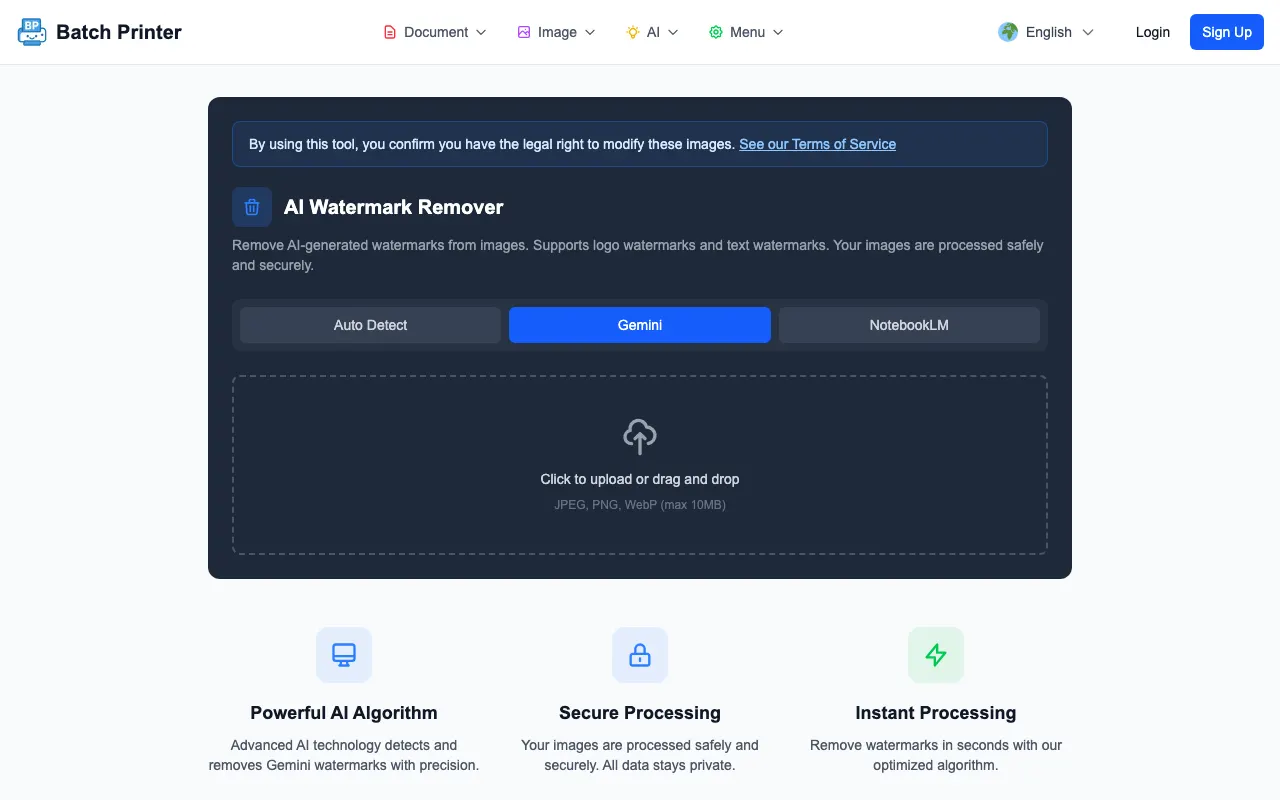
- Run a cleaned copy through Batch Printer when a visible mark is present.
- Compare the before and after image and reject the output if the fill area looks smeared, repeated, or more distracting than the overlay.
- Save the approved image with a clear final-file name so the draft does not return later.
When Removal Is the Wrong Fix
Sometimes the right answer is not cleanup. If the image has distorted hands, unreadable product labels, impossible shadows, or composition problems, removing the overlay only hides one symptom. For final business assets, I would rather regenerate or redesign the image than polish a weak source file.
The same is true when the overlay overlaps critical detail. The tested tool works best when the mark sits on a background area that can be filled from nearby texture. If the mark covers a face, a product edge, or text, the output deserves extra inspection and may not be worth using.
FAQ for Business Review Teams
Should every AI image be cleaned? No. Internal drafts and brainstorm boards can keep visible draft markers if the team understands the context. Cleanup matters most when the image is part of a finished asset.
What does the AI-style overlay look like? In the fixtures I inspected, it appeared as either a small corner badge or a subtle four-point sparkle. The exact visibility changed with crop, background, and display size.
Does the tool decide whether an image is appropriate for business use? No. It can remove a visible overlay from a selected region, but it does not judge brand fit, content correctness, or whether the output should be used.