
Convert Multiple Files to PDF Free: Word, Images, and Slides

Convert a Mixed Folder to PDF Without Losing the Reader's Order
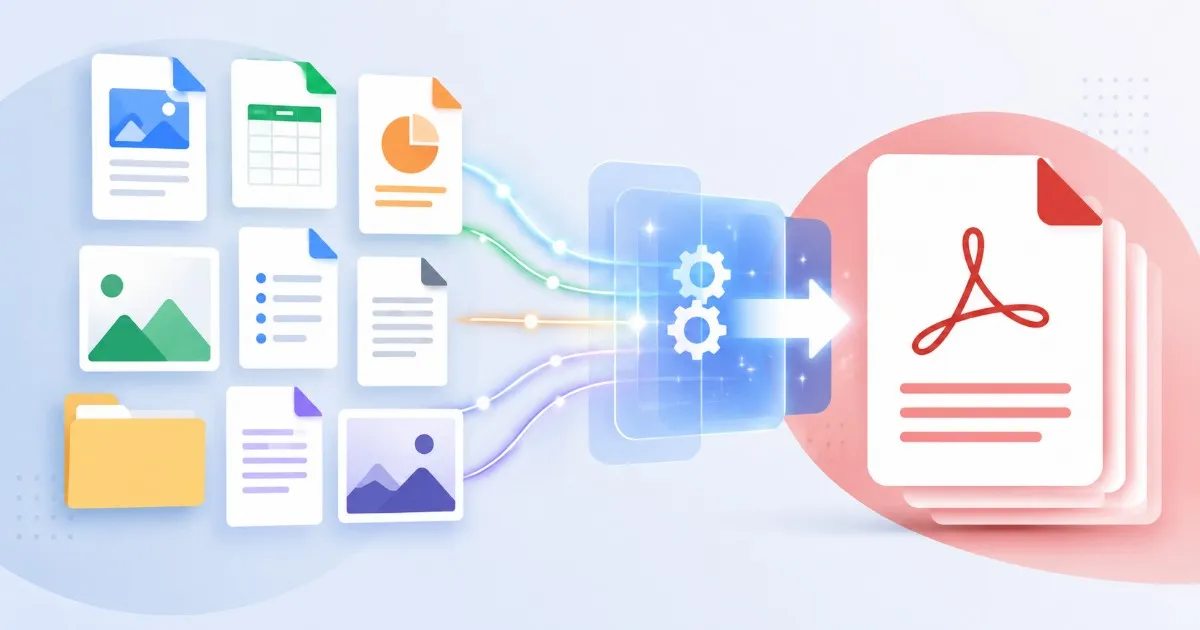
A project folder rarely arrives as one neat file type. One part might be a Word draft, another might be a spreadsheet, and the signed page might be a phone photo. The practical question is not only how to convert files to PDF. It is how to keep the set complete, readable, and easy to verify before it leaves your desk.
Try These Tools
Open the related tool now and finish faster.
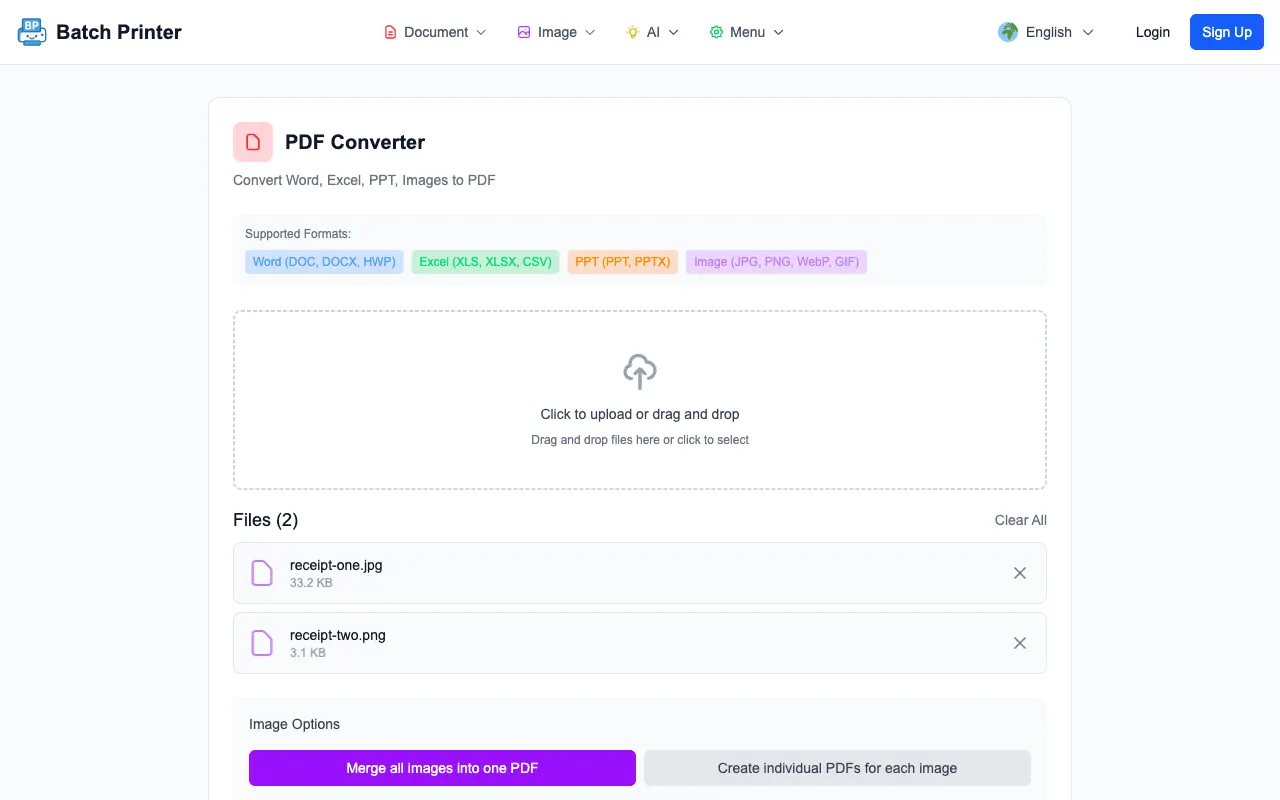
The screenshots in this guide come from converting a JPG and a PNG together at /en/tools/pdf-converter. Both files queued side by side, the page offered image layout options before conversion started, and the browser finished with a complete state and a ready PDF. Worth knowing: image conversion like this happens on your device, while Word and PowerPoint files take a server conversion path because they need a full layout engine.
Start With the Multi-Format Challenge
The hard part is the mix. Office files depend on print layout and fonts, images depend on resolution and orientation, and existing PDFs already have their own page sizes. Treating each file as a separate mini project increases the chance that one result gets skipped or renamed badly.
- Office files that need conversion, such as Word, Excel, or PowerPoint
- Image files that should become PDF pages, such as JPG, PNG, or WebP
- Existing PDFs that only need to be reviewed or merged after conversion
- Files that should not be included, such as drafts, duplicates, and private notes
Step-by-Step Conversion Run
- Open the PDF converter and add the files that need to become PDFs.
- Check the queue before converting. In the tested run, the tool listed each file name and size before the button changed state.
- For image files, choose whether to merge them into one PDF or create individual PDFs. Pick the option that matches the final packet.
- Convert the files, then wait for the complete state before leaving the page.
- Open the output and compare it with the source folder so missing pages are caught immediately.

Format Notes That Matter Before You Send
Office conversion can preserve a layout well when the source file has clean page settings, but wide spreadsheets and unusual fonts still deserve a visual check. Images are more predictable when they start from the original file rather than a screenshot of a screenshot. Existing PDFs should be opened before merging because a broken source PDF will not become correct just because it was added to a packet.
Tips From the Tested Run
- Use clear file names before upload so the queue is easy to audit.
- Keep related images together when they should become one PDF section.
- Do not compress source images before conversion unless the originals are too large for your device.
- Review the first and last page of every output file before merging it with other PDFs.
- If the final packet must be one attachment, convert first and merge second.
FAQ for Mixed File Conversion
- Can images be converted in the PDF converter? Yes. The tested JPG and PNG files appeared together with image-specific options.
- Should I merge everything immediately? Only if the reader needs one packet. Otherwise, keep outputs separate and name them clearly.
- What should I inspect after conversion? Page order, orientation, cropped edges, missing pages, and file names.
- Does every workflow stay in the browser? Image conversion ran in the browser during testing. Office conversion may use the server-side converter.
Try These Tools
Open the related tool now and finish faster.