Batch Printer Logo
blog.category.tips

Your Gemini Watermark Tells Clients You Didn't Try

Batch Printer Team7 min read
Your Gemini Watermark Tells Clients You Didn't Try

Your Gemini Watermark Tells Clients You Didn't Try

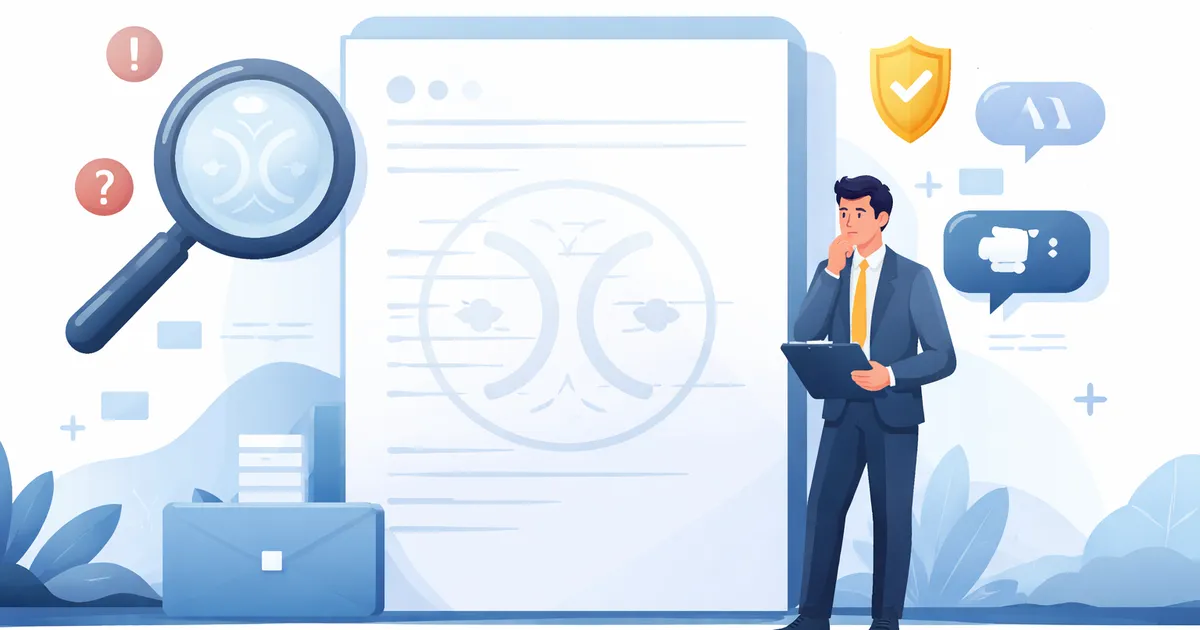
You spent three weeks building the pitch deck. The market analysis is airtight. The financial model is bulletproof. Then a client squints at your cover slide and asks: "Is that an AI watermark?" A four-pointed ✦ sparkle in the corner of your hero image just told them everything they needed to know — or think they know — about how much effort you put into this proposal.

Try These Tools

Open the related tool now and finish faster.

The ✦ Sparkle That Speaks Louder Than Your Data

Google Gemini stamps every generated image with a visible ✦ icon in the bottom-right corner. It is small. It is subtle. And it is the loudest thing on the page when someone notices it. In internal brainstorming sessions, nobody cares. But in a client-facing proposal, investor deck, or published report, that sparkle carries a message you never intended to send: "We used AI to make this, and we did not even bother to clean it up."

Think of it as the professional equivalent of "Sent from my iPhone" at the bottom of a formal email — except worse. "Sent from my iPhone" suggests you are busy and on the move. The ✦ watermark suggests you are cutting corners.

The Numbers: This Is Not Just About Aesthetics

If you think a small icon in the corner does not matter, the data says otherwise. Perception of AI-generated content in professional settings has shifted dramatically in 2026.

  • 36% of consumers say spotting AI content — including watermarked images — directly lowers their trust in a brand (Animoto, 2026).
  • 83% of consumers now claim they can identify AI-generated visual content. The watermark removes any remaining doubt (2026 consumer survey).
  • In B2B settings, AI content labels are perceived as a "draft" or "incomplete work" indicator — the exact opposite of what you want in a final deliverable (CNET, February 2026).
  • Designers and consumers alike report an "authenticity crisis" in visual content. A clean, watermark-free document is now a competitive advantage for credibility (Santa Cruz Software, 2025).

The implication is clear: in professional contexts, a visible AI watermark does not just say "this image was generated." It says "this document was not given proper attention."

When the ✦ Costs You the Deal

These are not hypothetical edge cases. In 2025 and 2026, AI watermarks have already caused real problems in professional settings — and the incidents that make the news are just the tip of the iceberg.

The Pitch Deck That Lost the Room

A management consulting team prepares a 40-slide deck for a Fortune 500 client engagement worth $2 million. The cover slide features a striking cityscape generated by Gemini 2.0 Flash. The ✦ appears in the corner at 5×5 pixels — invisible at laptop resolution, but crystal clear when projected onto a conference room screen. The client's CTO notices it on slide one. For the remaining 39 slides, the team is defending their methodology instead of presenting it. The unspoken question hangs over the room: "If they cut corners on the visuals, where else did they cut corners?"

The Annual Report Nobody Trusted

A mid-size SaaS company publishes its 2025 annual report with AI-generated infographics. Each chart illustration carries a faint Gemini watermark. An analyst at a competing firm spots it, screenshots it, and posts it on LinkedIn with the caption: "$80M ARR but cannot afford a $50 stock photo?" The post gets 2,400 reactions. The company's IR team spends the next week explaining that the data is real — only the illustrations were AI-generated. It does not matter. The perception of cheapness sticks.

The Double Liability Trap

In early 2026, reports surfaced that Google's Gemini 2.0 Flash had been removing existing watermarks — like Getty Images marks — from photos and replacing them with its own AI indicators. This created a double liability for businesses: potential copyright infringement from using unlicensed imagery, plus the AI-generated stigma from Gemini's visible ✦ on the output. Some marketing teams discovered too late that their "original" Gemini visuals were actually derivatives of copyrighted stock photos — with a new watermark on top.

The Production That Looked Like a Free Trial

In March 2026, Google One AI Ultra subscribers reported Veo (Google's video AI) watermarks appearing on commercial video projects they had paid to produce. Expensive productions ended up looking like free-trial output. Even paying customers were not exempt from branding pollution that undermined their professional image.

Do not let a ✦ icon undermine your next proposal. Remove Gemini watermarks in seconds — free, no sign-up required. Try it now at batch-printer.com/watermark-remover

The "Didn't Even Try" Effect

The psychology behind watermark perception is straightforward: effort signals competence. When a client sees a polished, detail-perfect document, they unconsciously assume the same care went into the research, analysis, and recommendations. When they see evidence of shortcuts — a watermark, a typo, a misaligned chart — they unconsciously assume shortcuts were taken everywhere.

""If they didn't care enough to remove the watermark, did they care enough to check the facts?" — A sentiment echoed across professional forums throughout 2026"

This is not about being anti-AI. Using Gemini to generate visuals for brainstorming, internal communication, or rapid prototyping is perfectly reasonable. The problem is not the tool — it is the visible evidence of unfinished work in a final deliverable. A carpenter who uses power tools is efficient. A carpenter who leaves sawdust on the finished table is sloppy. The watermark is the sawdust.

When It Is Fine vs. When It Is Fatal

Not every use of AI images needs watermark removal. Context determines whether the ✦ is a non-issue or a deal-breaker.

  • Internal brainstorming decks and ideation sessions
  • Slack messages and team chat illustrations
  • Personal notes and mood boards
  • Draft documents explicitly labeled as work-in-progress
  • Client-facing proposals and pitch decks
  • Published annual reports and investor materials
  • Marketing campaigns and brand assets
  • Government or regulatory submissions
  • Press releases and media kits
  • Any document where credibility is the product

How to Clean Gemini Images for Professional Documents

Removing the visible ✦ watermark takes seconds. You do not need Photoshop, and you do not need to upload sensitive business images to unknown servers.

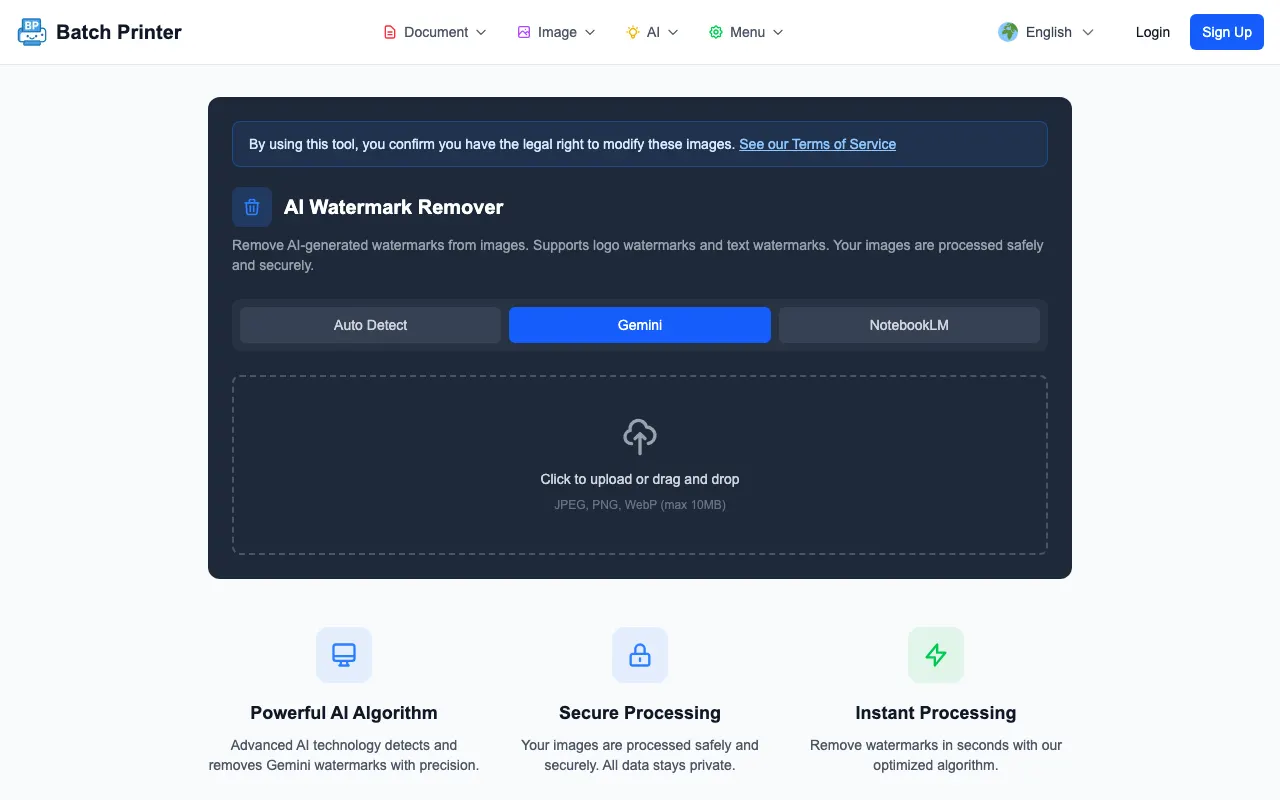
  • Step 1: Open batch-printer.com/watermark-remover in any browser. No account needed, no installation required.
  • Step 2: Drop your Gemini-generated image. The tool automatically detects the ✦ watermark region.
  • Step 3: Download the clean image. The watermark area is filled using texture blending for natural results.

For presentations with multiple AI images, process them in batch. The tool handles JPG, PNG, and WebP — every format Gemini outputs. Your images stay secure with automatic deletion after processing.

Important: This removes the visible ✦ watermark only. Google's invisible SynthID watermark is embedded in pixel data and cannot be removed by any editing tool. SynthID does not affect how the image looks — it is only detectable by specialized AI-detection software.

Beyond Removal: Building a Professional AI Image Workflow

Watermark removal is the minimum. If your team regularly uses AI-generated visuals, establish a workflow that prevents credibility problems before they happen.

  • Generate — Use Gemini, DALL-E, or Midjourney for initial visuals.
  • Clean — Remove visible watermarks immediately. Do not wait until the deadline.
  • Optimize — Compress images for your delivery format. Slides load faster and emails stay under size limits.
  • Review — Have a colleague check for remaining AI artifacts: extra fingers, garbled text, impossible shadows.
  • Document — Note the AI source and generation date. Several countries now require AI content disclosure in official materials.

Frequently Asked Questions

Does removing the Gemini watermark make the image "not AI"? No. Google's invisible SynthID watermark remains in the pixel data even after you remove the visible ✦. Removing the visible mark makes the image presentation-ready — it does not erase its AI origin.

Can clients actually spot AI watermarks in presentations? Yes. With 83% detection ability (2026 survey), most professionals can identify AI-generated visuals. The watermark makes it instant and unmistakable — but even without it, artifacts like unnatural lighting or impossible text can give images away.

Is it legal to remove the Gemini watermark? In most jurisdictions, yes. AI-generated images generally do not qualify for copyright protection, and removing a tool-applied overlay is not infringement. However, if Gemini generated an image based on copyrighted source material, the underlying copyright issue remains regardless of watermark status. When in doubt, consult your legal team.

What about AI disclosure laws? South Korea's AI Basic Act (effective 2026) and the EU AI Act require labeling AI-generated content in certain contexts. Removing a visible watermark does not exempt you from disclosure obligations. The invisible SynthID watermark still identifies the image as AI-generated for compliance purposes.

Your next presentation is too important for a ✦ to undermine it. Clean your Gemini images in seconds — free at batch-printer.com/watermark-remover

Try These Tools

Open the related tool now and finish faster.

Your Gemini Watermark Tells Clients You Didn't Try